How do I add my document to my LinkedIn profile?
Updated 2024-08-29
By clicking on the icon under 'Add to', you can easily share your document on your LinkedIn profile.
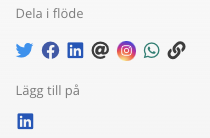
After you log in to LinkedIn, you see this;
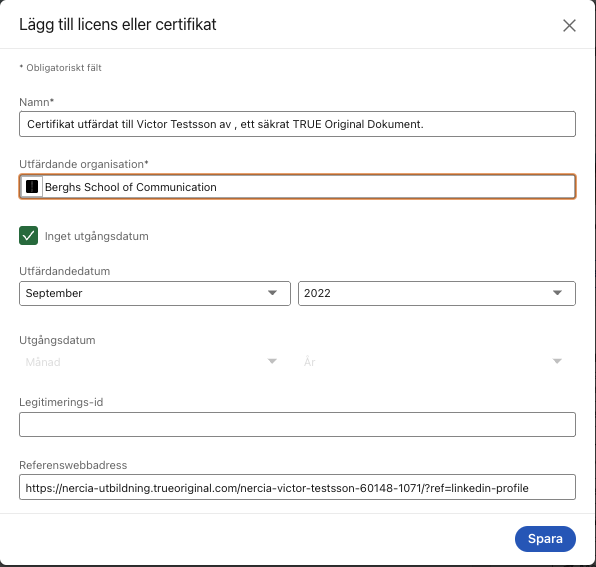
Name - Here is a pre-set text for your document.
Issuing Organization - Here is the organization that issued your document. ATTENTION! If the publisher's logo is not visible, click on the field and then on the publishers name in the drop-down list.
Credential ID - You do not need to fill in anything here.
Credential URL - Here is the link for your document.
Still need help?
Our support team answers questions this article does not.
Contact support