How do I hide my TRUE-document behind a password?
Updated 2025-01-08
If you secure your document with a password, you won't be able to share it on social media or have it appear in Google search results. You'll need to provide the password to anyone you want to grant access to the document.
Step by step
1. Click Sign in (Recipient) at the bottom of your documents page.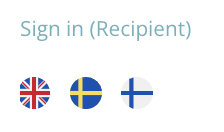
2. Enter the email you used to receive your document.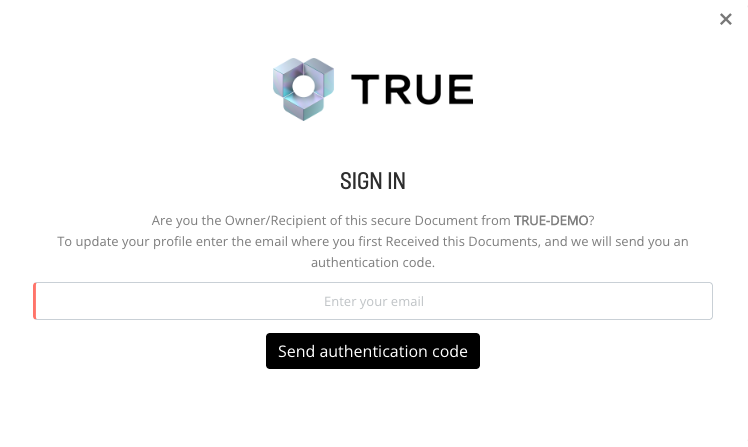
3. You will get an email from [email protected] with a verification code. Enter the code that we sent to your email.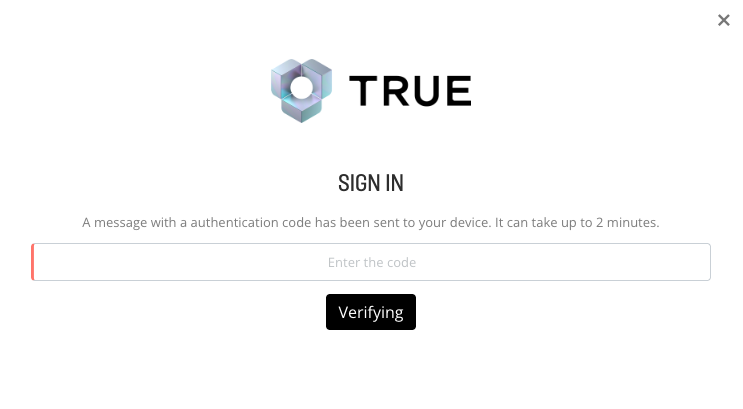
5. Go to your Privacy Settings at the bottom of the page.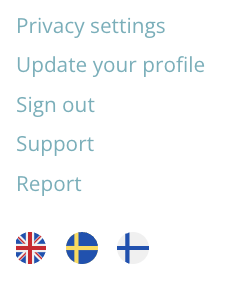
6. Change to Private. 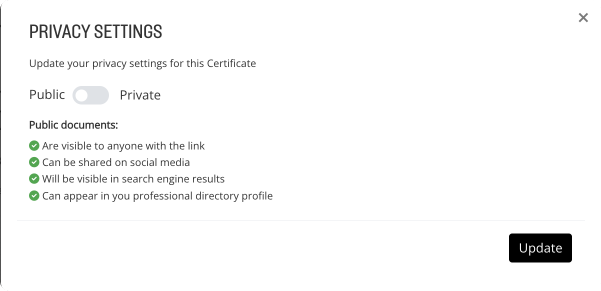
7. Create a password and click Update.
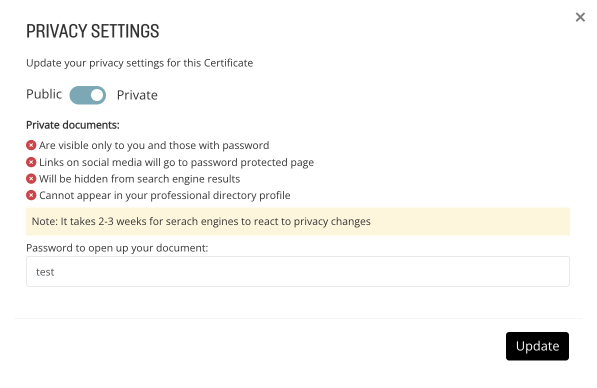
Your document is now hidden and protected behind a password. It can't be seen without entering the password.
Still need help?
Our support team answers questions this article does not.
Contact support