Print documents
Updated 2025-01-22
Print the document by choosing "print", which is located right next to the document, see picture below:
(A QR code appears in the corner of the printed document so that it also can be verified by scanning it using the mobile phone's camera)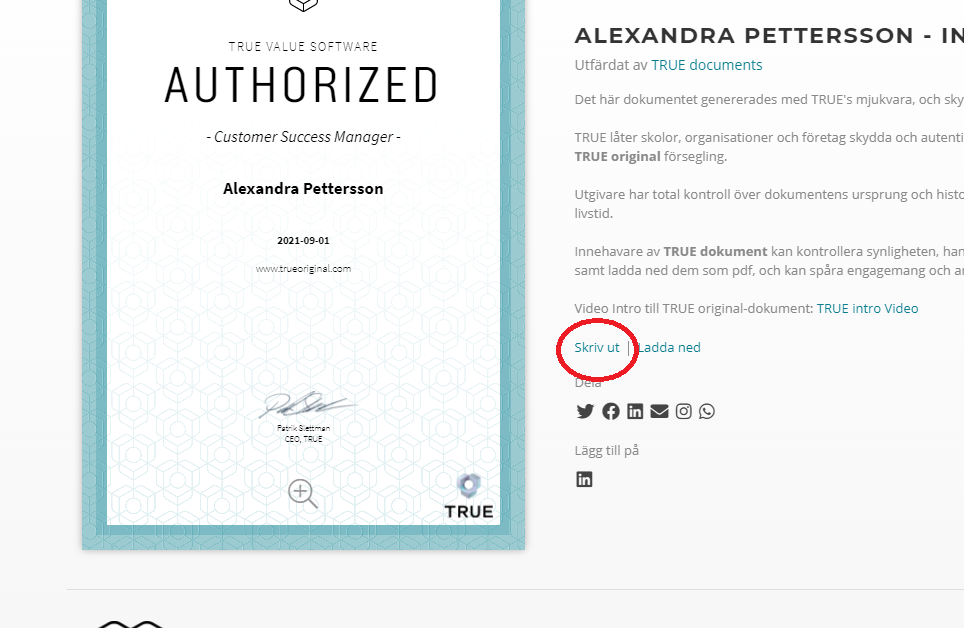
Still need help?
Our support team answers questions this article does not.
Contact support