Verify a TRUE-document
Updated 2026-08-11
For documents online:
At the top right of the landing page (the page the where the document shows) there is a button with the text "verify" - press to verify the document.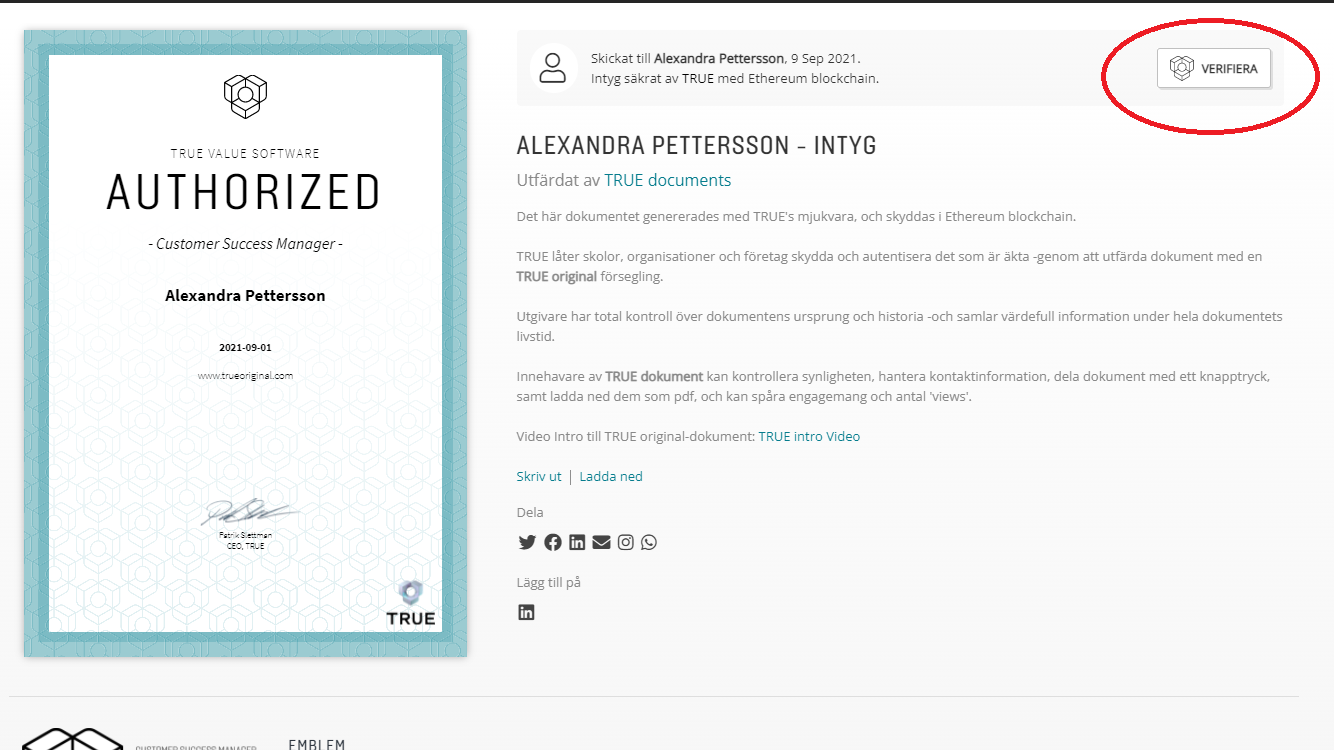
For printed documents:
A QR code is displayed in the corner of the printed document so that it can be verified by scanning using the mobile phone's camera. When scanning, the document opens on the web and can be compared with the printed, or generated pdf.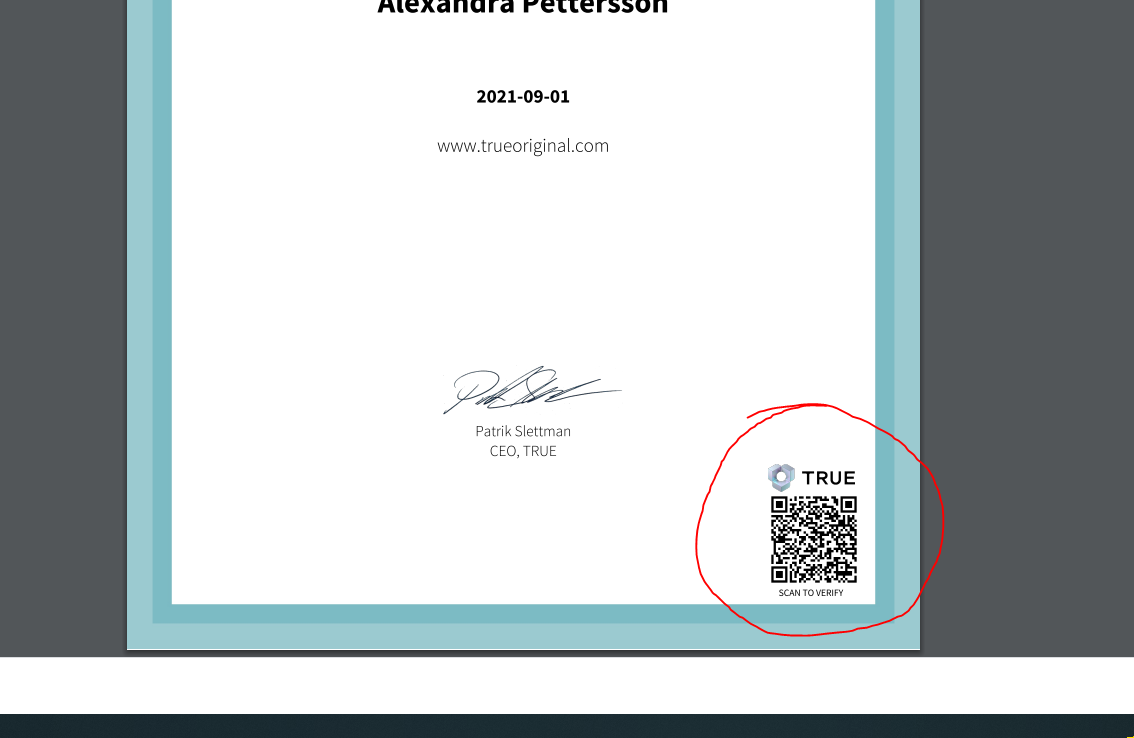
Still need help?
Our support team answers questions this article does not.
Contact support